 Real photo
Is that photo real?
For eBay, Vinted & co.:ask for the check code before you pay.
Someone asked you for a check code? How it works


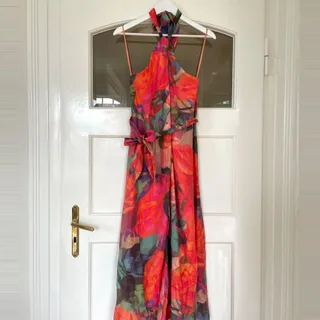
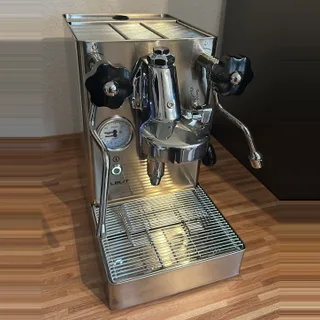
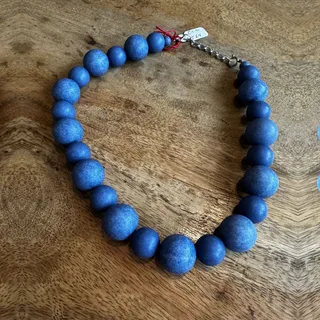
Listing photos can come from the internet, be old or be made by an AI. With katitrust, the seller sends you a photo taken live in the app just now, and you check it before you pay.



Ask
Write as usual first. When the other person replies, ask for a check code. You can copy both messages right here.
How to askTake
The other person takes the photo right in the katitrust app. Pictures from the gallery can’t be uploaded there.

Check
Enter the code and see the original photo, when it was taken and roughly where. In the app or in the browser.

 Real photo
Marketplace
Does the item really exist?
On eBay, Vinted or Facebook Marketplace: ask for a check code before you pay.
Learn moreSend a check code
Someone asked you for a check code?
Show in a minute that your photo is real. Free, no sign-up.
- 1Install the appDownload katitrust for free from Google Play. You don’t need an account or an email address.
- 2Take the photoTap “Take photo” and photograph what you were asked for. Allow access to the camera and location.
- 3Send the codeTap “Use photo”. The app shows you the check code right away. Copy it and send it in the chat.
Android for now. Coming soon to the App Store for iPhone.

From our guides
All articles How to Tell if a Seller Is Legit: 8 Checks Before You Pay8 min readLearn moreFacebook Marketplace Scams: How They Work and Red Flags14 min readLearn moreSafest Way to Pay on Facebook Marketplace: Options Compared14 min readLearn moreVinted Scams: Is Vinted Legit and How to Stay Safe16 min readLearn moreTriangulation Fraud: How the Scam Works and How to Avoid It13 min readLearn morePayPal Friends and Family Scam: Is It Ever Safe to Use?13 min readLearn more
Trust is good.Checking is better.
Ask for a check code and see for yourself whether a photo is real, and when and roughly where it was taken.
Android for now. Coming soon to the App Store for iPhone.

Scan the QR code to get started.
Android for now. Coming soon to the App Store for iPhone.